
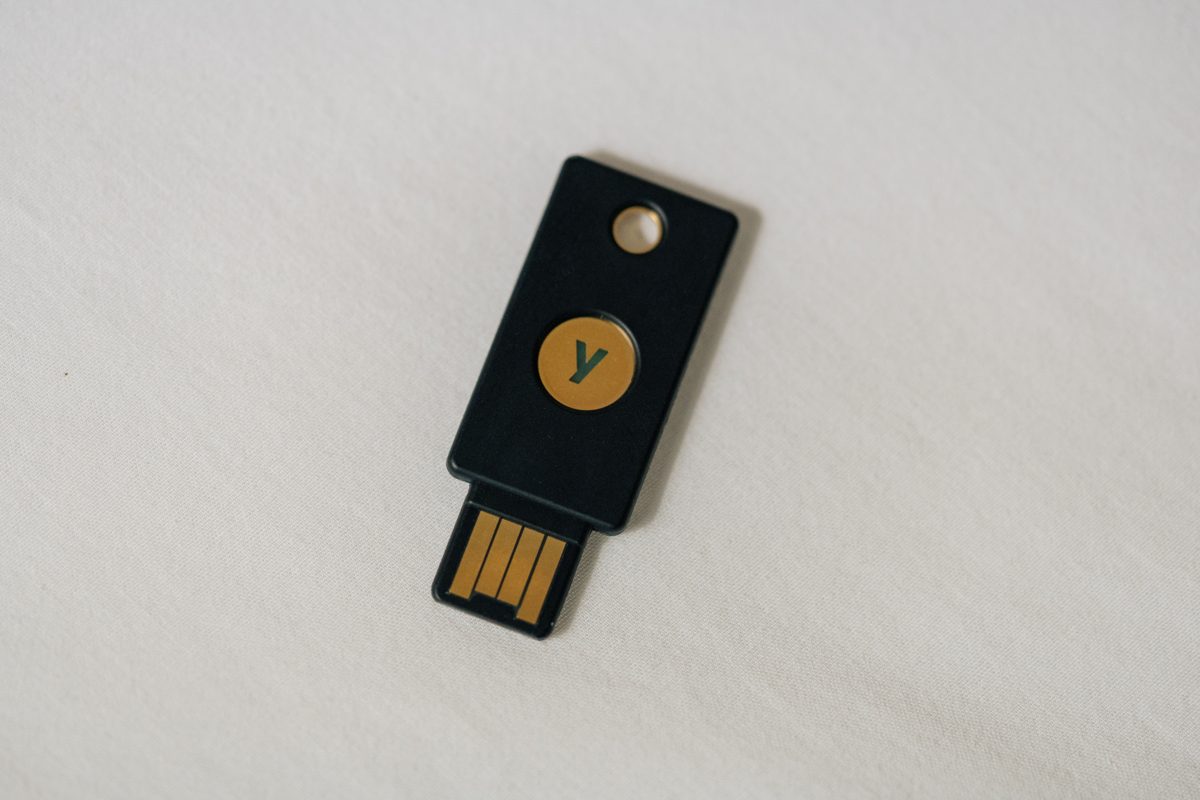
Enable a supported multifactor authentication method on important accounts. MFA adds a verification step beyond relying only on a password; providers offer different methods and describe them in different ways. CISA recommends using MFA and favors phishing-resistant approaches where available. We rank this second because it changes the conditions for account access directly. The ranking does not treat every method as equivalent or claim that any additional prompt makes an account invulnerable. It asks the reader to choose the strongest supported method they can use reliably, while understanding recovery and the meaning of each approval request.
Start from the account's official security settings and read its explanation of the offered methods. An authenticator code, a push approval, a text message and a physical security key are not simply different visual styles of the same process. Availability also depends on the account and device. Provider guidance can explain which options are preferred and how they fit the sign-in flow. Do not disable an existing protection merely because the ideal method is not available today. A thoughtful improvement works with the supported choices while leaving a clear path for later change. Avoid repeating a broad slogan without checking what the specific account actually supports.
Methods, alternatives and approvals
Set up an alternative or recovery route before depending on one device for the new step. If an authenticator is involved, read how its data is backed up or transferred rather than assuming it will appear automatically on a replacement phone. If a physical key is involved, understand how another supported method or spare key fits the provider's recovery process. This is a planning question, not a request to buy hardware indiscriminately. Your method should remain usable in the ordinary circumstances you can reasonably anticipate. Security and continuity are easier to balance before a device fails or disappears than during an urgent attempt to regain access.
An approval prompt should correspond to an action you initiated. Repeated unexpected requests are not a reason to approve one so that the interruptions stop. A code is also not something to share with a caller who says they need to verify the account. These are limits on how the control is used, not flaws that make it pointless. Some methods can be tricked or mishandled in ways that phishing-resistant methods are designed to reduce. Read the provider's current guidance and use its reporting or security review route for suspicious activity. A general guide cannot diagnose the origin of a particular unexpected prompt from its appearance alone.
A durable supported setup
Make a small, supported check after enrollment while retaining legitimate access. Confirm the account reports the method as enabled, and understand the normal sign-in behavior described by the provider. Do not sign out of every session or remove all older methods as a dramatic test. On a managed account, an organization may require a particular method or enrollment process. Follow that process rather than creating an unsupported workaround. Accessibility, travel and available devices can also shape which supported option is realistic. The goal is a durable improvement, not a setting that looks impressive but is avoided whenever it becomes inconvenient.
MFA sits just below passkeys in this editorial list because phishing-resistant sign-in is the preferred direction where the service and your setup support it. The categories can overlap: a security key or passkey may participate in a provider's broader authentication design. They are separated here to explain the practical choices, not to imply that protections can be added up into a numerical score. Readers whose key accounts lack passkeys should not read second place as second-rate advice. Choosing and correctly maintaining the strongest available MFA method is a meaningful step, especially when paired with unique passwords, device locks and a recovery plan that remains usable.
Source: CISA · Google Account Help.
Photo: Tony Webster · CC BY 2.0. U2F security token photographed 25 January 2019; historical hardware, not proof of modern passkey support or a product recommendation. Resized and recompressed without cropping; source license retained.
